
IBM VSE • Storage Flexibility
Virtual Tape with GENIOS
Replace physical tape workflows with PC-based storage while keeping your applications unchanged. Avoid mounts and delays; keep data close to where it’s used.
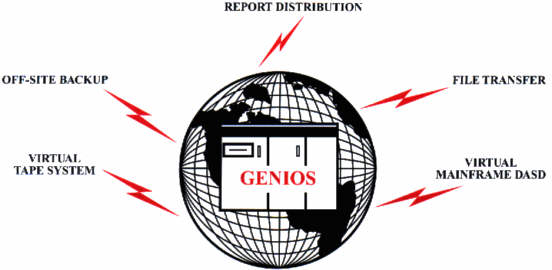
Why Virtual Tape
- Eliminate manual mounts and drive contention
- Reduce physical media handling and transport
- Use cost-effective PC DASD for “tape” datasets
Applications remain unchanged; activation is via JCL (GENIOS-formatted DLBL).
How It Works
- GENIOS intercepts
OPEN/GET/PUTcalls and links to LIOCS in SVA - Data moves to/from a PC via TCP/IP or high-speed CTC
- PCGENI on the workstation handles the endpoint
Data Handling
- Automatic ASCII ↔ EBCDIC conversion
- Printer forms control (CR/LF insertion)
- Reblocking, generation data sets
- Compression and encryption options
Security & Control
- Mainframe-controlled sessions
- Communicates only with GENIOS client on the PC
- Works with your existing operations and scheduling
Getting Started
Begin with a single job to validate flow and performance, then expand usage.