Advantages of Tape
- Cost/MB: Low when media is fully utilized.
- Portability: Easy off-site handling, interchange.
- Scalability: Media scaling is inexpensive.

A comparative analysis of virtual tape concepts, architectures, and trade-offs — modernized from the original USI paper.
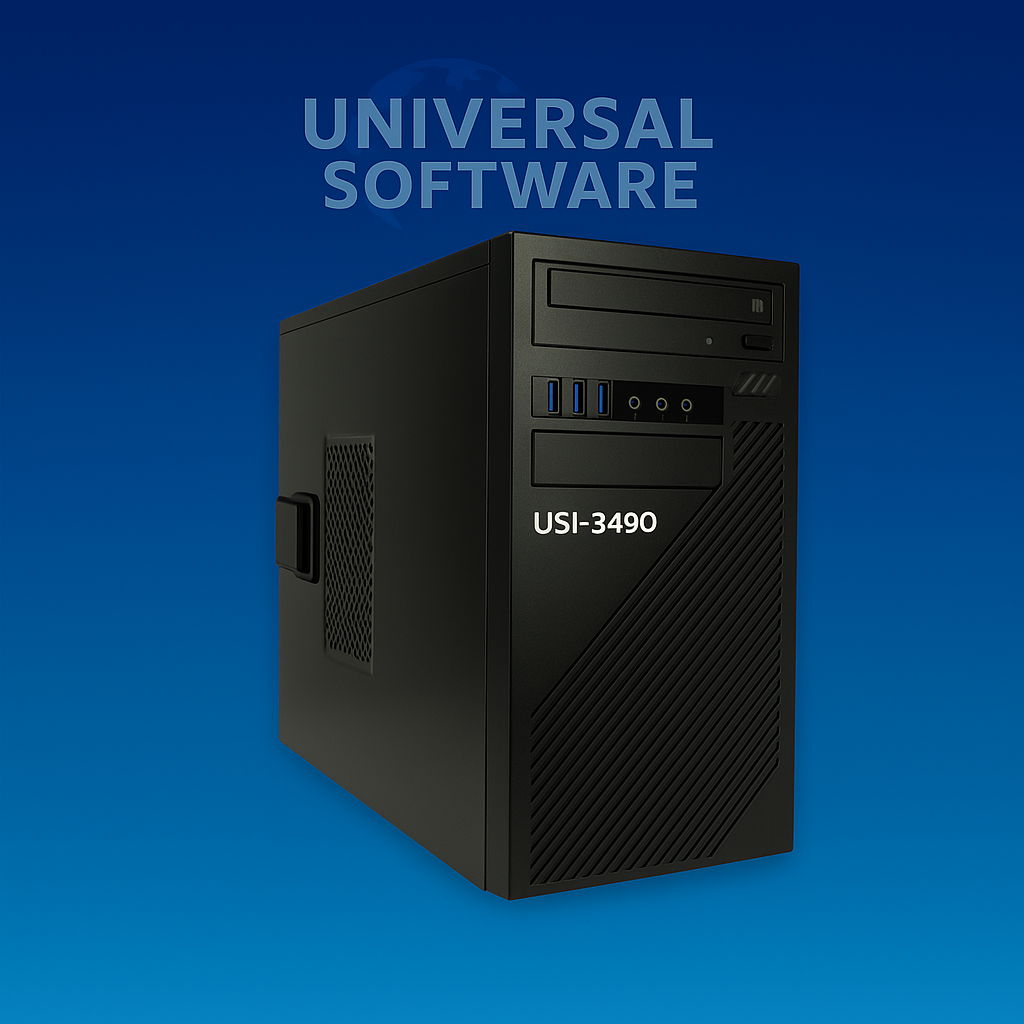
Virtual tape is commonly described as magnetic tape file images stored on disk. In practice, it’s more nuanced. Most discussions compare virtual tape to real tape — but if disk is “better,” why use tape at all? Since early OS/360 and DOS/360, jobs could choose disk or tape; often the JCL can be changed without touching application code.
The catch: many data centers run hundreds to thousands of long-lived jobs configured for tape. While changing one job to disk is easy, changing thousands is not. Virtual tape preserves existing tape workflows while gaining the operational benefits of disk.
Unattended operation is the big win. Virtual tape delivers most benefits of disk while minimizing JCL and operational change. Below is a concise comparison.
Bottom line: Virtual tape gives the operational gains of disk while retaining tape-based job flows — a pragmatic on-ramp to modernization.
The sections below summarize common architectural approaches and their trade-offs.
Highly sophisticated, with dedicated RAID storage, multiple channel paths, and advanced caching. Excellent performance and serviceability — but at high acquisition cost, typically suited to large z/OS environments.
Intercepts tape I/O and redirects to mainframe DASD, sometimes with compression and offload/stacking to real tape. Cost-effective for temporary files and small generations, but constrained by DASD expense and potential disaster-recovery coupling with primary storage.
Stores tape images on open, networked RAID/NAS. Lower cost than mainframe DASD, strong unattended operation, efficient storage use, and rapid access. Often paired with HSM to migrate long-term data to high-capacity tape — or to remote sites via replication, snapshot, and compression.
All VTS solutions outperform real tape when mount/rewind and operator delays are considered. Performance depends on how many images remain online: once migrated to tape, access time increases and images must be re-cached before use. Affordable open storage can keep a high percentage (or all) images online, minimizing migrations.
Virtual tape usually delivers rapid ROI. If you haven’t invested in high-end proprietary systems, open-storage channel solutions offer strong affordability, scalability, and flexibility — with excellent investment protection.
USI VTA typically offers a lower entry price and favorable cost at equivalent capacity.
USI VTA supports broad configuration options to balance price, performance, reliability, and capacity.
MAS and many others rely heavily on mainframe tape managers. USI VTA integrates with any tape manager and also provides built-in management and a GUI for ease of use.
USI VTA is Windows-based, enabling wide compatibility with HSM and Windows-ecosystem software/devices. MAS is Linux-based, which may constrain options.
USI VTA aligns architecturally with USI GENIOS for heterogeneous interchange across print, disk, and tape.
Virtual tape is an essential building block for modern data centers. USI VTA delivers affordable, scalable capacity with strong functionality and ease of use.